
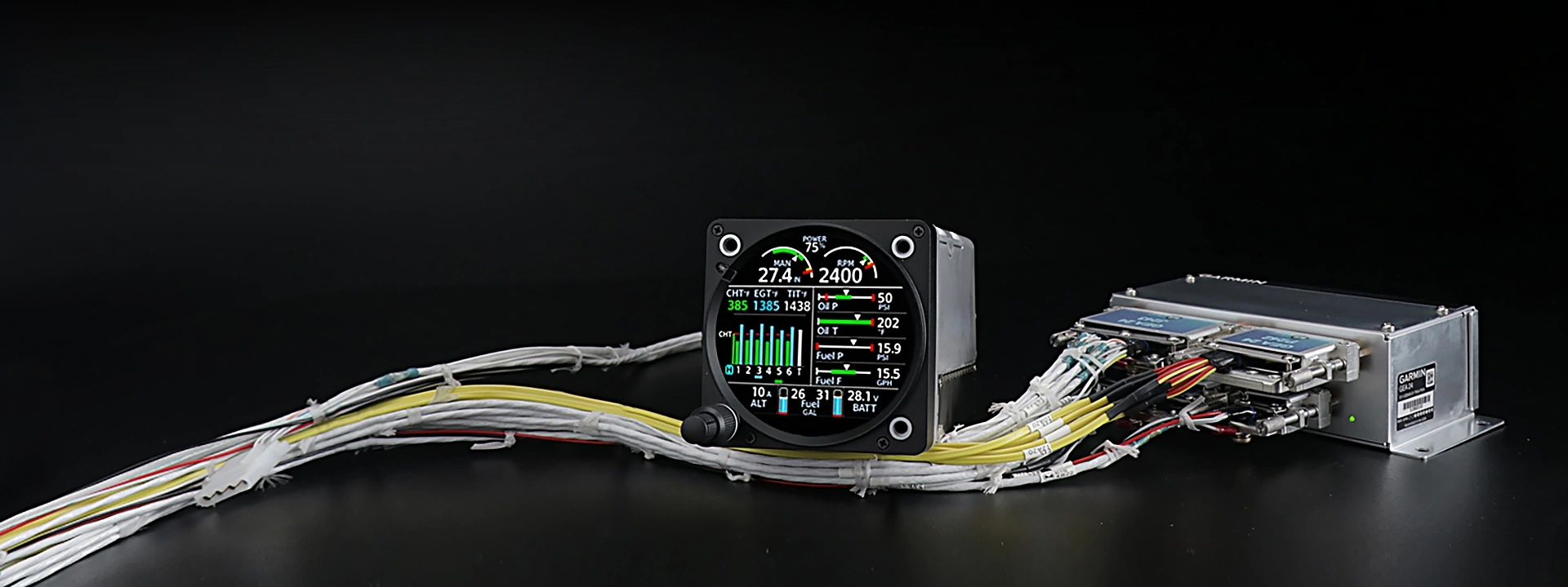
Complexity Made Simple
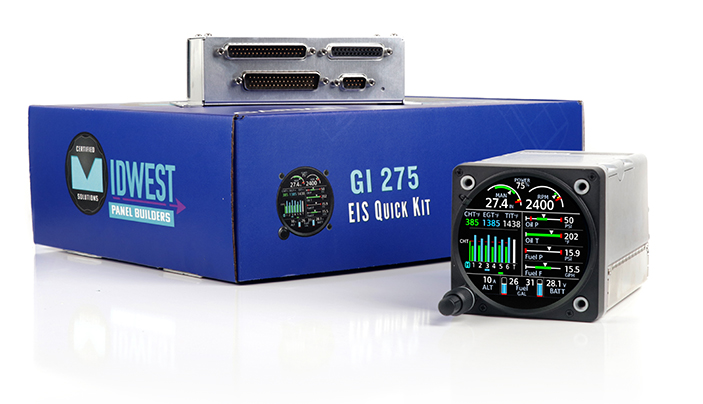
GI 275 EIS Quick Kit
Save time and frustration!
Installing a Garmin GI 275 Engine Indication System (EIS) can be one of the more complex avionics upgrades. From building wiring harnesses to sourcing the correct connectors, sensors, and installation supplies, the process can quickly become time-consuming and frustrating.
The Midwest Panel Builders GI 275 EIS Quick Kit simplifies installation with a professionally prepared wiring harness and optional sensor packages tailored to your aircraft’s needs.
Spend less time sourcing parts and building harnesses, and more time getting your aircraft back in the air. Every kit is backed by the experience and support of Midwest Panel Builders.

GI 275 EIS Prewired Base Harness Kit
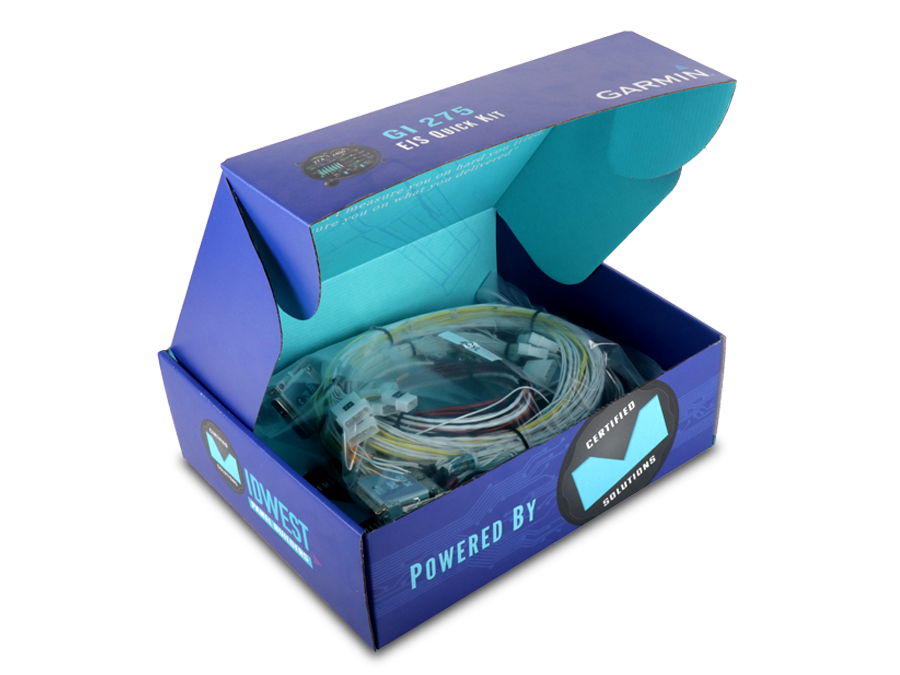
The Garmin GI 275 EIS Quick Kit features a professionally prepared wiring harness available in 4-cylinder and 6-cylinder configurations. Each base harness includes wiring for essential engine monitoring functions, helping reduce installation time and eliminate the need to build a harness from scratch.
Customize your installation with optional sensor add-ons to accommodate your aircraft’s engine monitoring requirements.
Included in the base kit:
- Exhaust Gas Temperature (EGT)
- Cylinder Head Temperature (CHT)
- Oil Pressure
- Oil Temperature
- Bus and Battery Voltage Wires
- Alternator and Battery Shunt Wires (shunts sold separate)
- RS-232 and HSDB Wired for GPS Position
GI 275 EIS Optional Sensor Packages
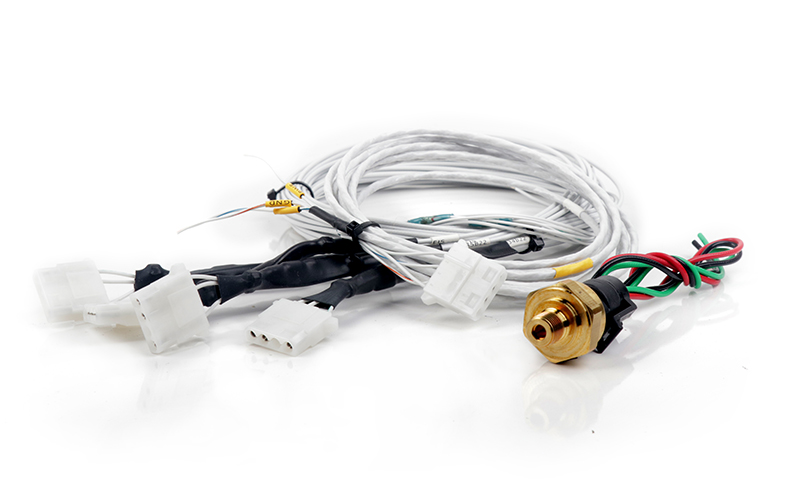
Not every Garmin GI 275 EIS installation requires the same sensors. That’s why our Quick Kit starts with a prewired base harness, allowing you to select only the additional sensor packages your aircraft needs.
Each base harness includes prewired 2-foot leads and connectors designed to accommodate optional sensor add-ons. This modular approach eliminates unnecessary wiring, reduces installation time, and makes future upgrades easier.
Simply select the sensor packages required for your installation and connect them to the prepared harness. It’s another way Midwest Panel Builders makes complex engine monitoring installations simpler.
Available Add-ons
- RPM (P-Lead or Hall effect)
- Manifold Pressure
- Fuel Flow (Gravity Fed or Pumped Flow)
- Fuel Pressure (Carbureted or Fuel Injected)
- Fuel Quantity (Resistive or Digital)
- Turbine Inlet Temperature
- Carburetor Temperature
- Outside Air Temperature
- Battery Shunt (shunt only – wires are part of base harness)
- Alternator Shunt (shunt only – wires are part of base harness)
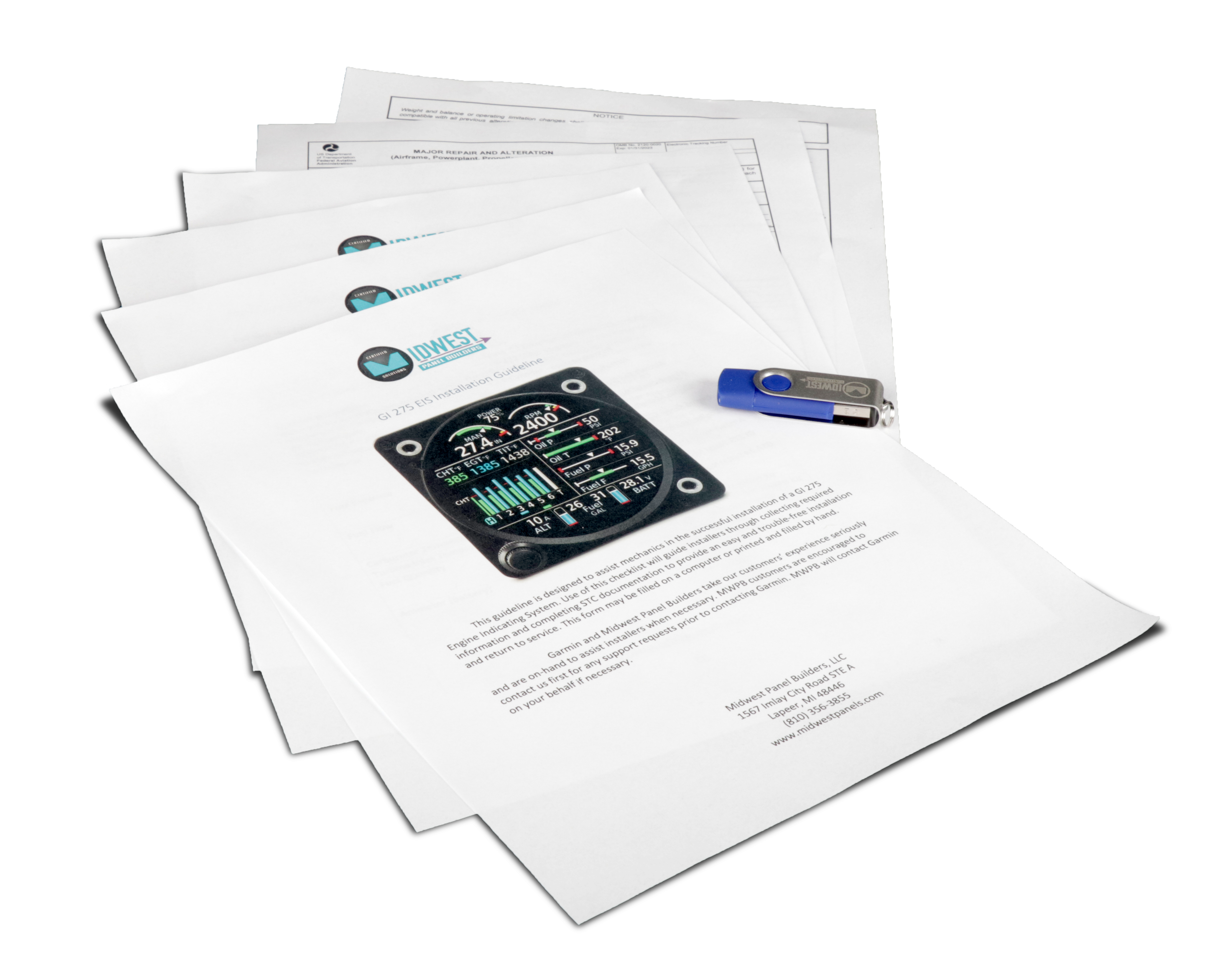
GI 275 EIS Installation Documentation & Wiring Diagrams
Don’t let the paperwork drag you down.
Every Garmin GI 275 EIS Quick Kit from Midwest Panel Builders includes a USB flash drive containing valuable installation documentation to help simplify your avionics upgrade.
From wiring diagrams and installation guides to FAA Form 337 templates and aircraft logbook entry examples, we’ve assembled the resources installers need in one convenient package.
Spend less time searching for paperwork and more time completing your installation. Our documentation package helps streamline the process from initial wiring through the aircraft’s return to service.
Everything included on the flash drive.
- Templated 337 Form
- Log Book Entry Text
- STC Documentation
- Airplane Flight Manual Supplement
- Wiring Diagrams
- Installation Guide
- Pilot Guide
Garmin GI 275 EIS Configuration & Setup
Need Help Configuring Your GI 275 EIS?
Every Garmin GI 275 EIS Quick Kit from Midwest Panel Builders includes a basic configuration to help simplify installation. Once installed, you’ll only need to enter your sensor ranges and configure the system hierarchy if your GI 275 EIS is connected to other GI 275 displays.
Unlike systems that require factory assistance for configuration changes, the Garmin GI 275 EIS can be configured by the installer. This allows you to make adjustments without sending the unit away, avoiding unnecessary downtime and configuration fees.
Optional Professional Configuration Service
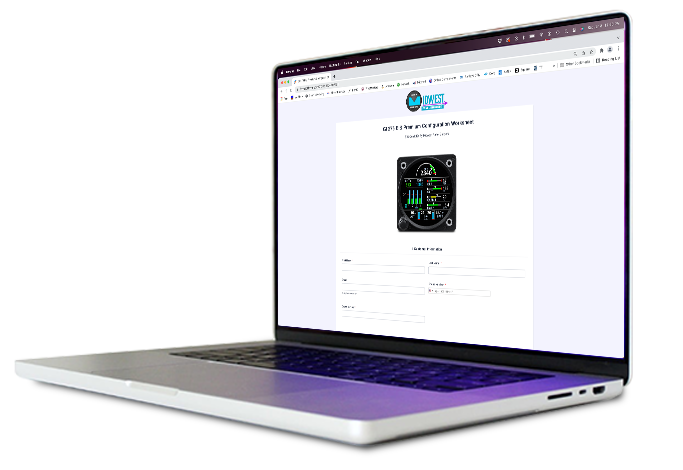
Want to simplify your installation even further? Midwest Panel Builders offers an optional professional configuration service. Provide us with your aircraft and engine information, and we’ll prepare the GI 275 EIS configuration based on your installation requirements.
After purchasing the configuration service, you can submit the required information using either of these convenient methods:
- Configuration Worksheet: Complete and return the provided document.
- Online Configuration Form: Submit your information electronically.

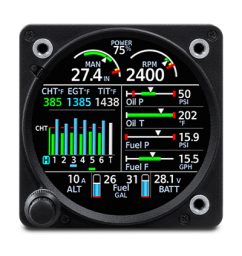
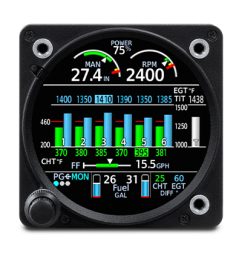
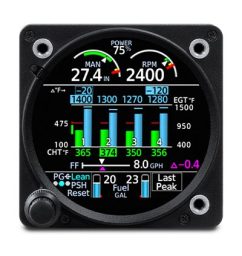
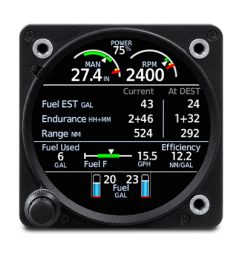
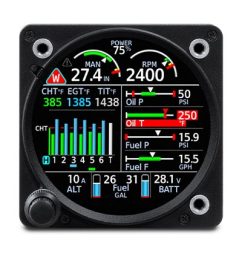
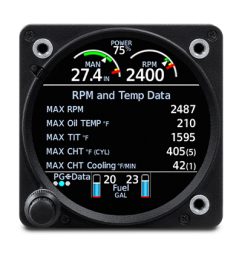
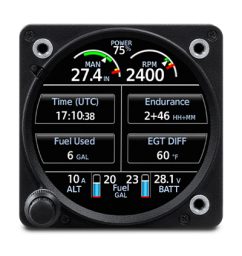
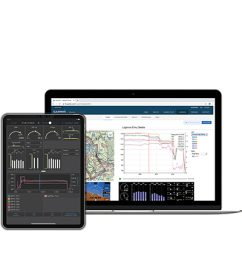
A Look At What It Can Do
We’ve Got Your Back!
Be confident knowing that we will be there to support you if the need arises.
Do You Have Questions?
Loading contact form...